AI Announcement Translations
Put a notice into Hausa, Yoruba, Igbo or Nigerian Pidgin with AI, check it, and save it as the notice's translation; families read it in their own language.
What it does, and for whom
Some families read Hausa, Yoruba, Igbo or Nigerian Pidgin more easily than English. Whoever writes the school's notices can ask the AI to translate a notice's title and text into one of those languages. Every number, date, time, amount and web address in the English must come back exactly as written, or the translation is refused and not charged. Nothing reaches families until you save the translation yourself, and AI translation into Nigerian languages is not yet reliable: have someone who reads the language well check it first.
Before you start
Your school has switched on Announcement translation (Turning On AI Features), you hold credits that cover it, and your role may manage announcements; at Greenfield that is the principal, Mrs Funke Adebayo. Open Communication in the sidebar and click Announcements. Every notice that is not withdrawn has a Translations link beside Edit. A notice longer than 2,000 characters can be translated by hand but not with AI.
Worked example: the mid-term break notice in Hausa
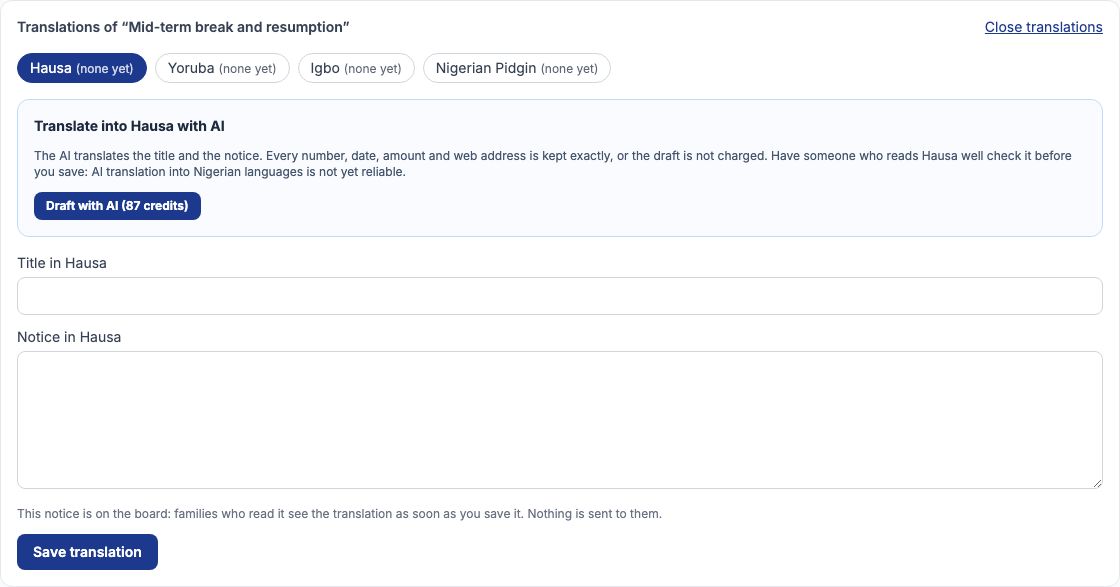
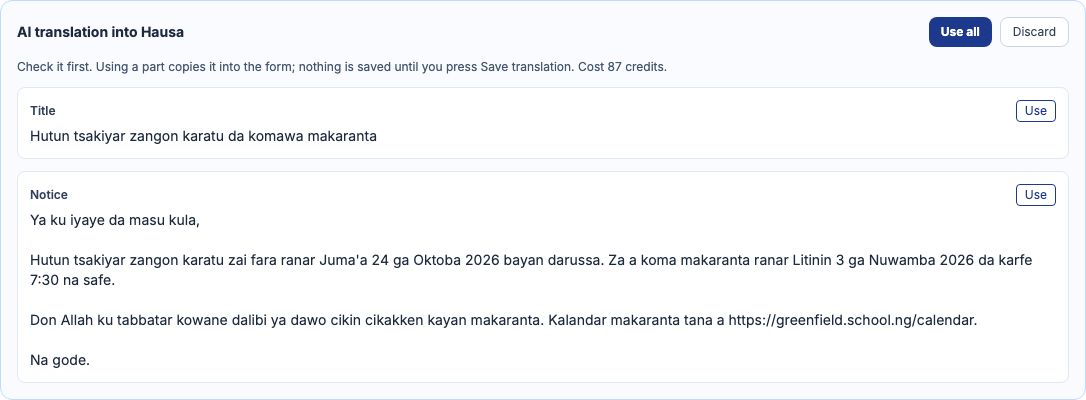
Mrs Adebayo follows the Translations link of Mid-term break and resumption, which is already on the board. Hausa is chosen first. She presses "Draft with AI". The Hausa draft appears beside the form: the title and the notice in Hausa, with 24 October 2026, 3 November 2026, 7:30 and the calendar's web address exactly as in the English.
Check it, then save the translation
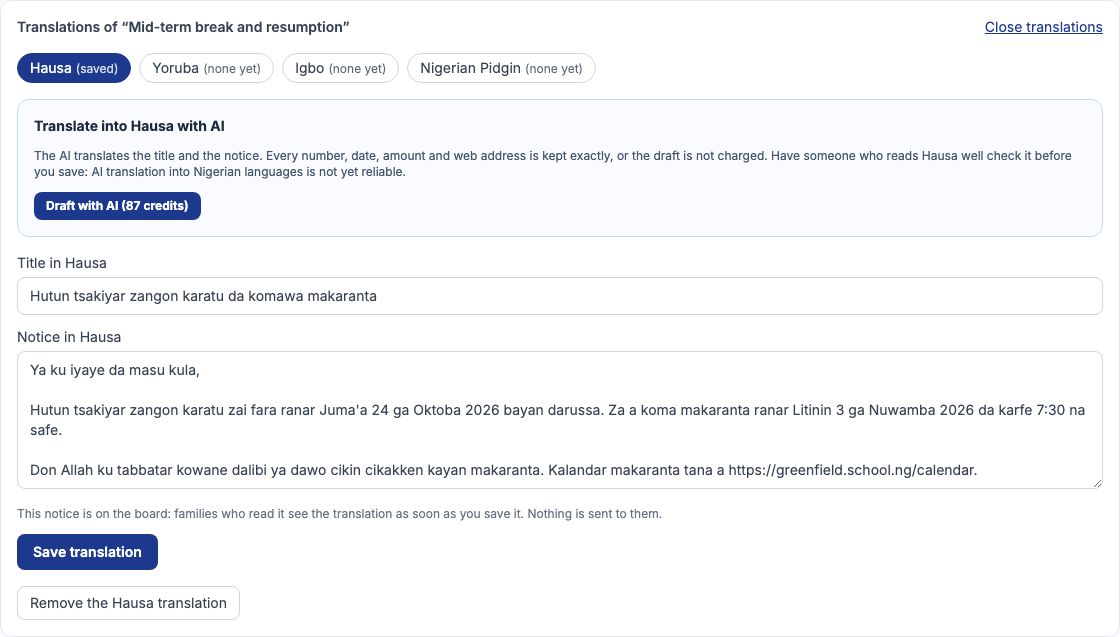
Press "Use all" to copy the title and the notice into the boxes below, or "Use" on one part. Copying is not saving: have it read by someone who speaks the language, change any word, then press "Save translation". The Hausa choice now says saved, and the notice's row on the board says Also in: Hausa. Saving sends nothing to families; they see the translation the next time they open the board. Discard throws a draft away and costs nothing more.
What families see
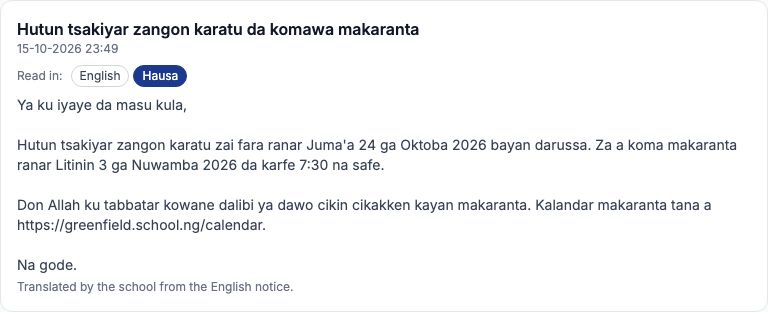
On the family's Notices page, a notice the school translated shows a Read in row under its title: English, and every language saved for it, Nigerian Pidgin included. A family whose portal language is Hausa, Yoruba or Igbo sees that translation first; anyone can switch. If you edit the notice's English later, the translations are marked out of date on the board and families see the English until you save them again, so a family never reads a translation of words the notice no longer says.
What is sent to the AI, and what never is
Only the notice's own title and text, and the language you chose. No pupil, parent or staff detail goes with it. The English is checked before it leaves: a notice with a name or a phone number in it is refused with "Remove the personal details and try again. They are never sent to an AI provider." and nothing is charged. A language not on the list is refused too.
When the AI says no
A refusal says why and ends "Nothing was charged." A translation that drops or changes a figure is refused as an unusable answer. If someone edits the notice while the AI is translating, the draft is refused because the English moved under it; draft it again. A draft whose English was edited afterwards cannot be saved as the translation.
Cost, and My AI credits
Each translation costs the credits on the button, 87 at Greenfield, whether you save it, change it or discard it; a refused or unfinished request is never charged. My AI credits, under My Profile, lists every request: a translation you saved says Draft used, one still waiting says Saved as a draft with an Open the draft link back to the notice's translations.

Still stuck?
Email info@tocel.ng and tell us which guide you were following.