AI Replies to Families
Let the AI draft a reply to a family's message, from what they wrote and the points you give; names reach the AI only as placeholders, and nothing is sent until you press Send.
What it does, and for whom
Families write to their child's class teacher and to the school office through Messages. Whoever may answer a conversation can ask the AI for a first draft of the reply, from the family's latest message and a few points of their own. The draft is never sent by itself: you copy it into the reply box, change anything, and press Send, exactly as a reply you typed. It is a Sensitive feature, because it reads what a parent wrote about their child, so your school switches it on only after acknowledging what it sends.
Before you start
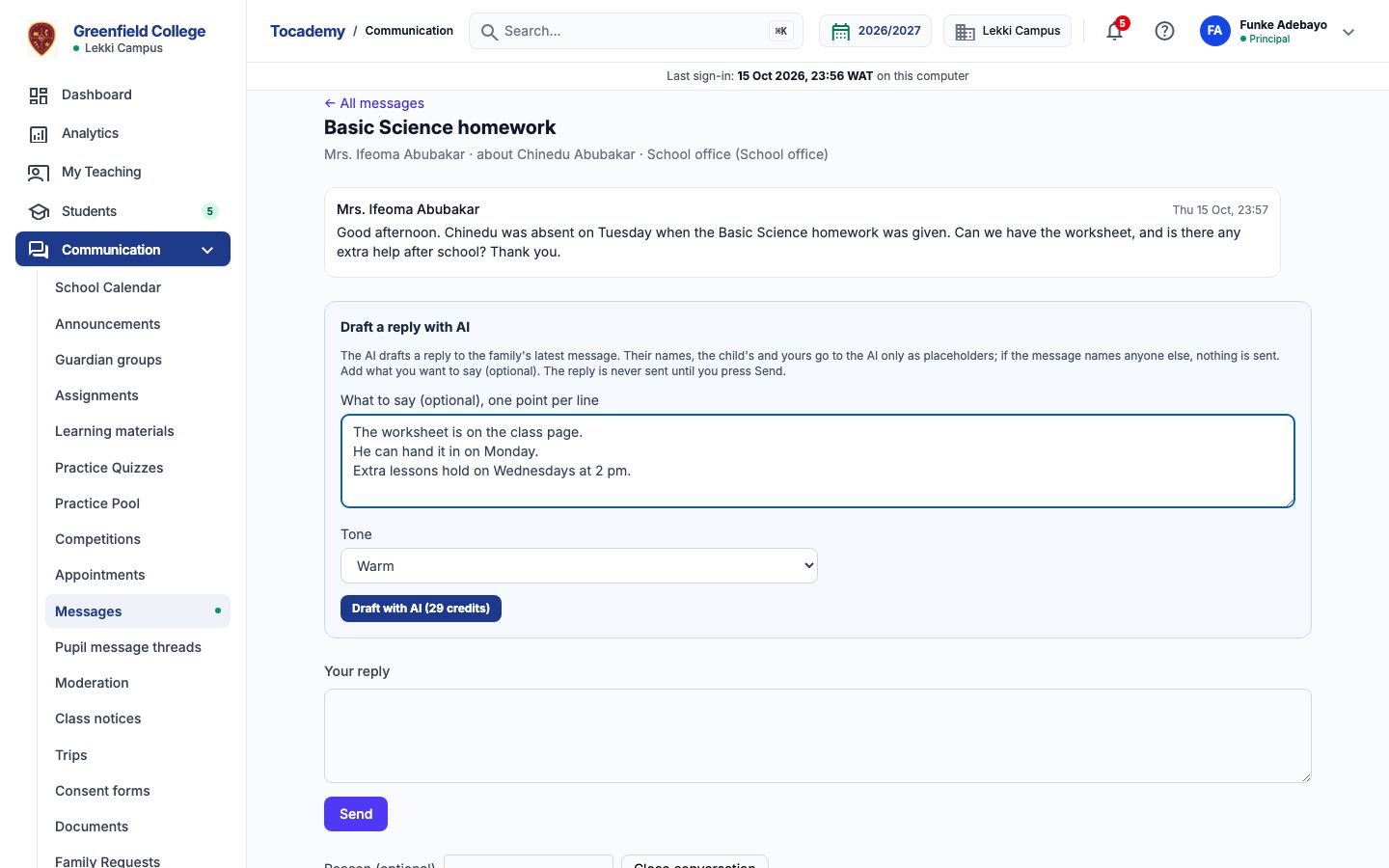
Your school has switched on Reply to a family's message, with its notice acknowledged (Turning On AI Features), you hold credits that cover it, and you may answer the conversation: its own teacher, still teaching the child, or anyone in the school office whose campus covers the pupil. Open Messages and open the family's conversation. Below the messages is a box headed "Draft a reply with AI". It is not offered on a pupil's own conversation, on a closed one, or when the school wrote last.
Worked example: the missed homework
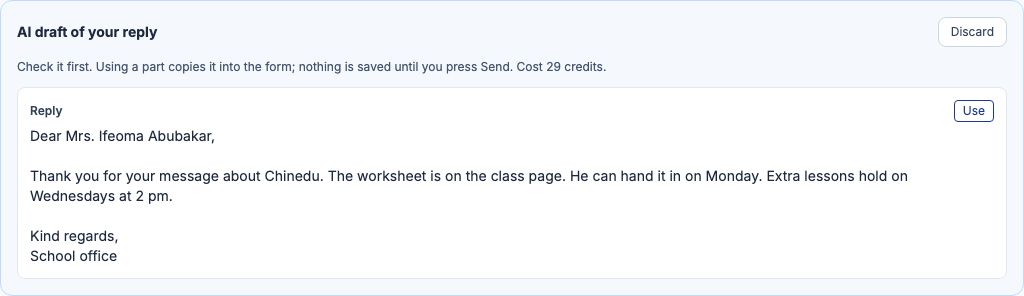
A JSS 2 parent writes to the school office: their child was absent on Tuesday when the Basic Science homework was given, and they ask for the worksheet and any extra help. Mrs Adebayo types what she wants to say under What to say, one point per line: The worksheet is on the class page. He can hand it in on Monday. Extra lessons hold on Wednesdays at 2 pm. She leaves Tone on Warm and presses "Draft with AI". The draft appears as "AI draft of your reply", greeting the parent by name and signed School office. Every time and day in it is one from her points or the parent's message: a reply that invents a figure is refused, and not charged.
Use it, edit it, and send it yourself
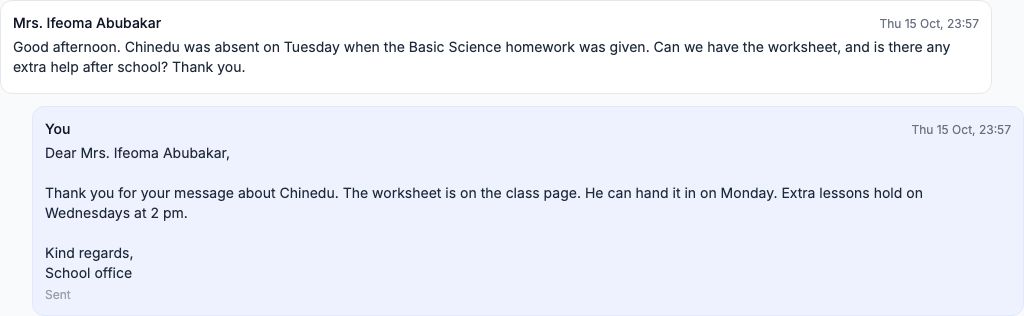
Press "Use" to copy the draft into the reply box. Change anything you like, then press "Send": the family receives your reply, as they would any other. If the family writes again before you send, the draft no longer answers the conversation and Send refuses it; draft it again. A colleague in the office can read a draft you asked for, but only you can send it as an AI reply.

What is sent to the AI, and what never is
The family's latest messages in the conversation and your points, with the family's name, the child's name and your own name replaced by placeholders such as [GUARDIAN_1] and [STUDENT_1] before anything leaves; the names are put back only on Tocademy's own server. Never the subject line, an id, a phone number or an e-mail address. If the message names anyone else, another pupil or parent, say, nothing is sent: "Remove the personal details and try again. They are never sent to an AI provider.", and nothing is charged. Write your reply yourself then.
When the AI says no
A refusal says why and ends "Nothing was charged." The most likely are "Your school has not switched this AI feature on.", "There is no message from the family waiting for a reply: the school wrote last.", "AI reply drafts are for messages from families, not from pupils." and, if the family writes again while the AI is drafting, that the conversation changed. A message too long for the AI to read is refused too: write that reply yourself.
Cost, and My AI credits
Each draft costs the credits on the button, 29 at Greenfield, whether you send it, change it or discard it; a refused or unfinished request is never charged. My AI credits lists every request: a reply you sent says Draft used.
Still stuck?
Email info@tocel.ng and tell us which guide you were following.