Showing Events on Your Website
Put open days, entrance examinations and other whole-school or campus events from the school calendar on your website, and see where parents find them.
What this does
An event in the school calendar can also be shown on your website. It must be for the whole school or one campus, it must be published, and "Show on the school website once published" must be ticked. It then appears in three places: the home page's "Key diary dates", the News page's "Upcoming events" and the visit panel on the Contact page. The website shows the next six such events, earliest first. An event drops off once it is over, and a cancelled one stays listed, marked (cancelled), until its date has passed.
Example: the 2027/2028 Entrance Examination
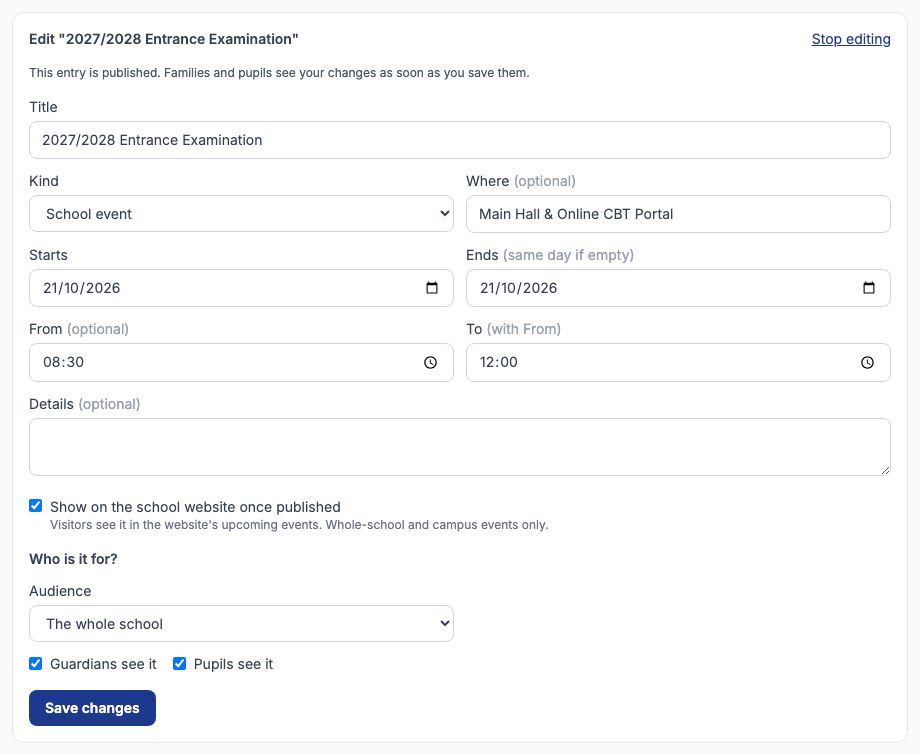
Greenfield College's entrance examination is on Wednesday 21 October, 8:30 AM to 12:00 PM, in the Main Hall and online. Open Communication › School Calendar. Under "Add an event" give it the title 2027/2028 Entrance Examination, choose "School event", and fill in Where, Starts, From and To. Tick "Show on the school website once published". Under "Who is it for?" keep "The whole school" — an event for one class or one pupil cannot go on the website, and the calendar will say so. Press "Save as draft".
Publish it
The draft is listed under the form. Press "Publish" on its row: the families and pupils it is for see it in their calendars, and the website shows it. The row then reads Published, with "On the website" after the date and audience. To change it later, use "Edit" — a published event changes everywhere as soon as you save. "Cancel event" keeps it listed but marks it cancelled; to take it off the website without cancelling it, edit it and untick the box.

Where it appears: the home page
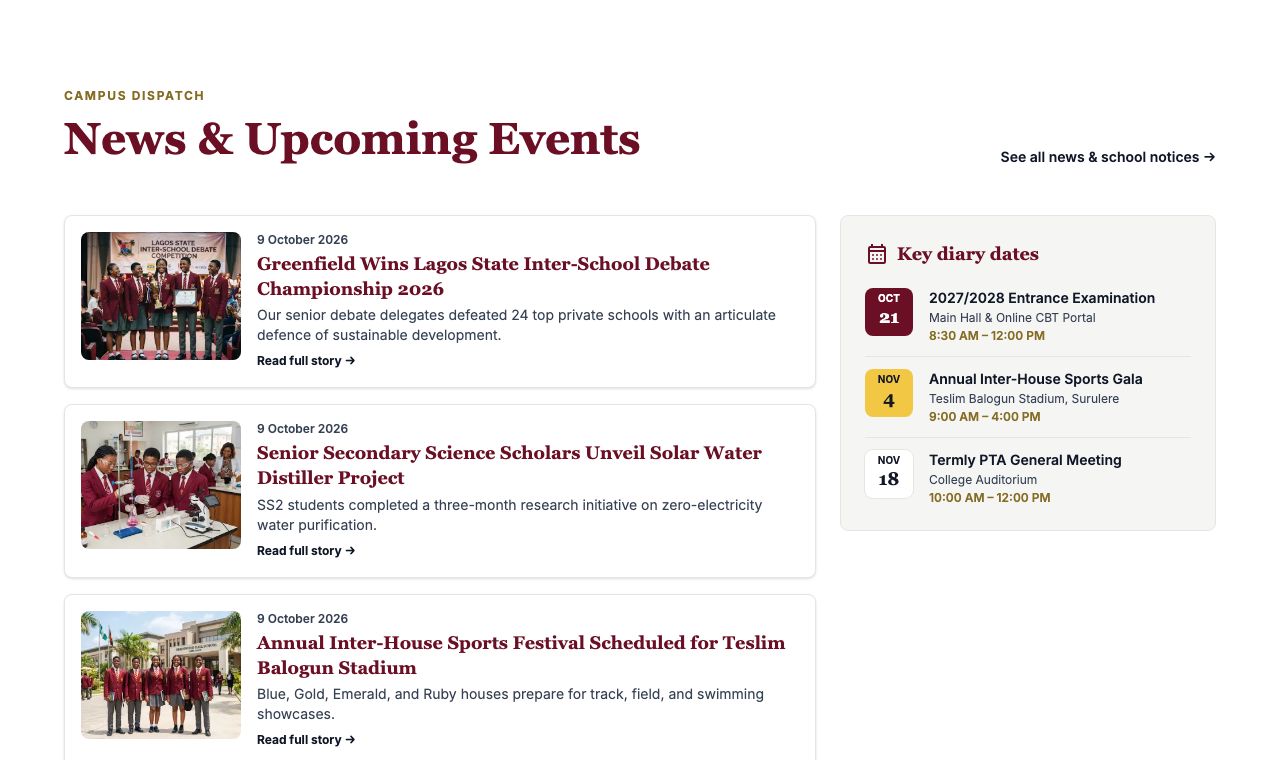
Beside the news on your home page, "Key diary dates" lists the next three events with a date tile, the place and the time. On a computer the panel sits beside the news; on a phone or tablet the same dates are listed under the news, one card per event.
Where it appears: the News page
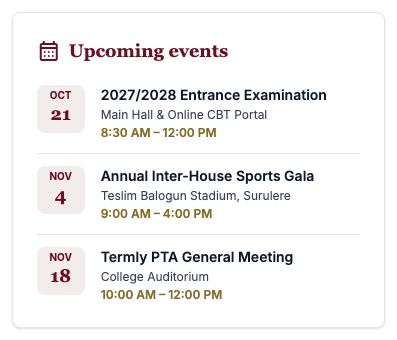
The News page has an "Upcoming events" card beside the stories, with the next four events.
Where it appears: the Contact page
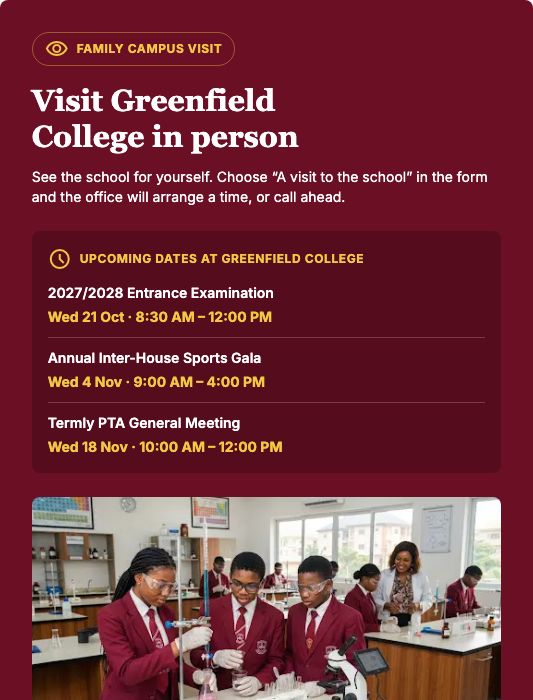
The Contact page's visit panel invites families to come and see the school, and lists the next three dates under "Upcoming dates at" your school's name. Parents who want to come are asked to choose "A visit to the school" in the enquiry form; see Website Enquiries.
Still stuck?
Email info@tocel.ng and tell us which guide you were following.