Passages and Structured Questions
Writing a comprehension passage, poem or table once for several questions, and splitting a theory question into (a), (b), (c) parts with their own marks.
What these are for
A comprehension passage, a poem, an extract or a table of data is usually asked about by several questions. A passage is written once and linked to each of those questions, so a printed paper shows it once before them and an online exam shows it beside each one. A structured question is a theory question split into parts — 2(a) Define self-reliance, 2(b) Highlight three benefits — each with its own marks, the way theory questions are set.
Opening the Passages page
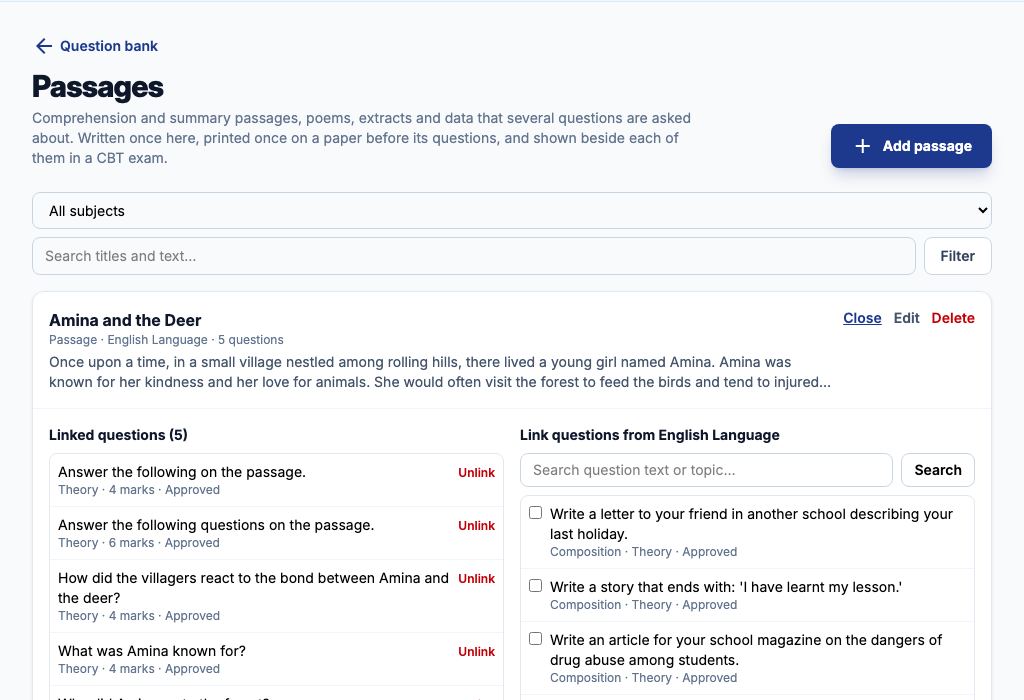
Go to Exams → Question Bank and choose "Passages". The page lists every passage with its kind, subject and number of linked questions. Filter it by subject or search the titles and text.
1. Add a passage
Press "Add passage". Give it a "Title" (it prints above the passage), choose its "Kind" — a passage, a poem, an extract from a text, or data in a table — and its "Subject", and type or paste the "Text". Press "Save passage". Use "Edit" to correct it later; the change reaches every question linked to it.
2. Link its questions
Choose "Questions" on the passage. On the left, "Linked questions" lists those already linked. On the right, "Link questions from" the passage's subject lists the question bank; type in "Search question text or topic…" and press "Search" to find them, tick each question asked about the passage, and press "Link ticked questions". "Unlink" removes one. Deleting a passage with "Delete passage" keeps its questions in the bank, unlinked.
3. Split a theory question into parts
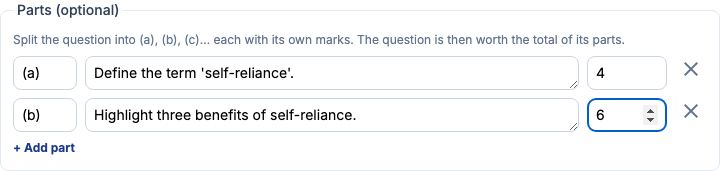
In the Question Bank, press "Add Question" (or edit a question) and set the type to Theory. Under "Parts (optional)", press "+ Add part" for each part: the label — (a), (b), (c) — is filled in for you; type the part's question and its marks. The question is then worth the total of its parts. The question's own text is the lead-in, for example Answer the following. Remove a part with its cross; removing them all makes it an ordinary question again.
Example 1: a comprehension passage on a JSS 1 English paper
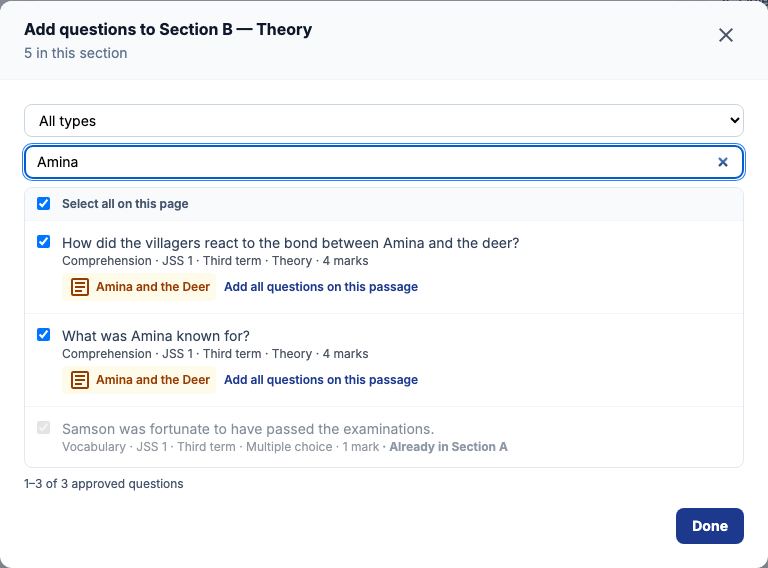
Press "Add passage", title it Amina and the Deer, choose English Language and paste the story. Press "Save passage". Write three theory questions about it in the Question Bank and approve them. Back on Passages, choose "Questions" on Amina and the Deer, tick the three, and press "Link ticked questions". Later, when the Comprehension section of an exam paper is built, adding one of them offers "Add all questions on this passage", which adds all three at once, and the printed paper shows the passage once, then questions 11 to 13.
Example 2: a two-part Civic Education question
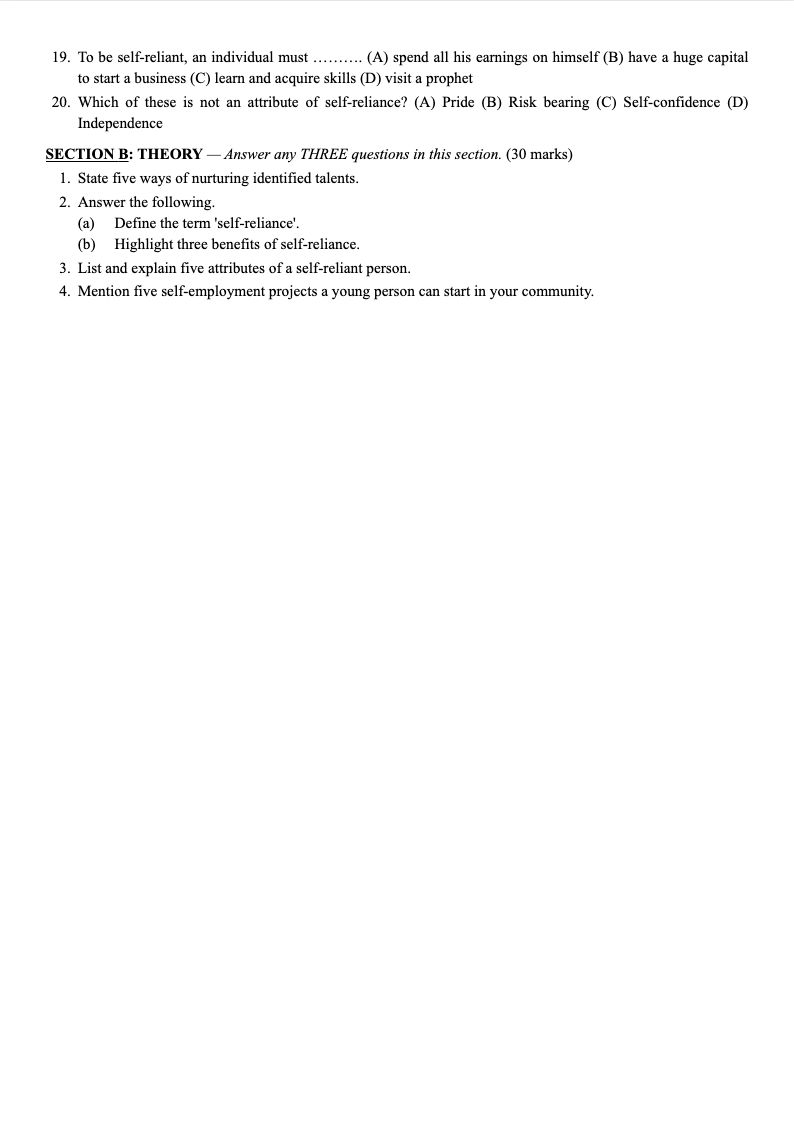
Add a Theory question with the text Answer the following. Under "Parts (optional)" press "+ Add part" twice: (a) Define the term 'self-reliance', 4 marks; (b) Highlight three benefits of self-reliance, 6 marks. The question is worth 10 marks. On the printed paper it reads 2. Answer the following., then (a) and (b) on their own lines beneath it; in an online exam the parts are listed under the question, each with its marks.
Still stuck?
Email info@tocel.ng and tell us which guide you were following.